


*Features*:
【COMPREHENSIVE SMART RING HEALTH TRACKER】 This smart ring tracks heart rate,blood oxygen,HRV,stress level,sport activity,and sleep data. It also supports manual records for blood pressure,blood sugar,and menstrual cycle,making it a complete wearable health and wellness tracker for men and women.
【DETAILED SLEEP & ACTIVITY MONITORING】 Monitor deep sleep,light sleep,REM,and awake time with built-in sleep recording,plus 15 sleeping music options and sleep coaching settings. Track daily steps,calories,and distance,with support for multiple sports modes including running,cycling,walking,swimming,yoga,basketball,and more.
【7-DAY BATTERY LIFE & FAST CHARGING】 The smart ring delivers up to 7 days of working time on a single charge,with about 1.5 hours charging time. The included charging dock features a 200mAh battery for convenient on-the-go recharging.
【WIRELESS 5.3 CONNECTIVITY & IP68 WATERPROOF】 Equipped with Wireless 5.3 for stable connection and seamless data sync via the LuckRing app. IP68 waterproof rating allows daily wear during handwashing,showers,workouts,and swimming.
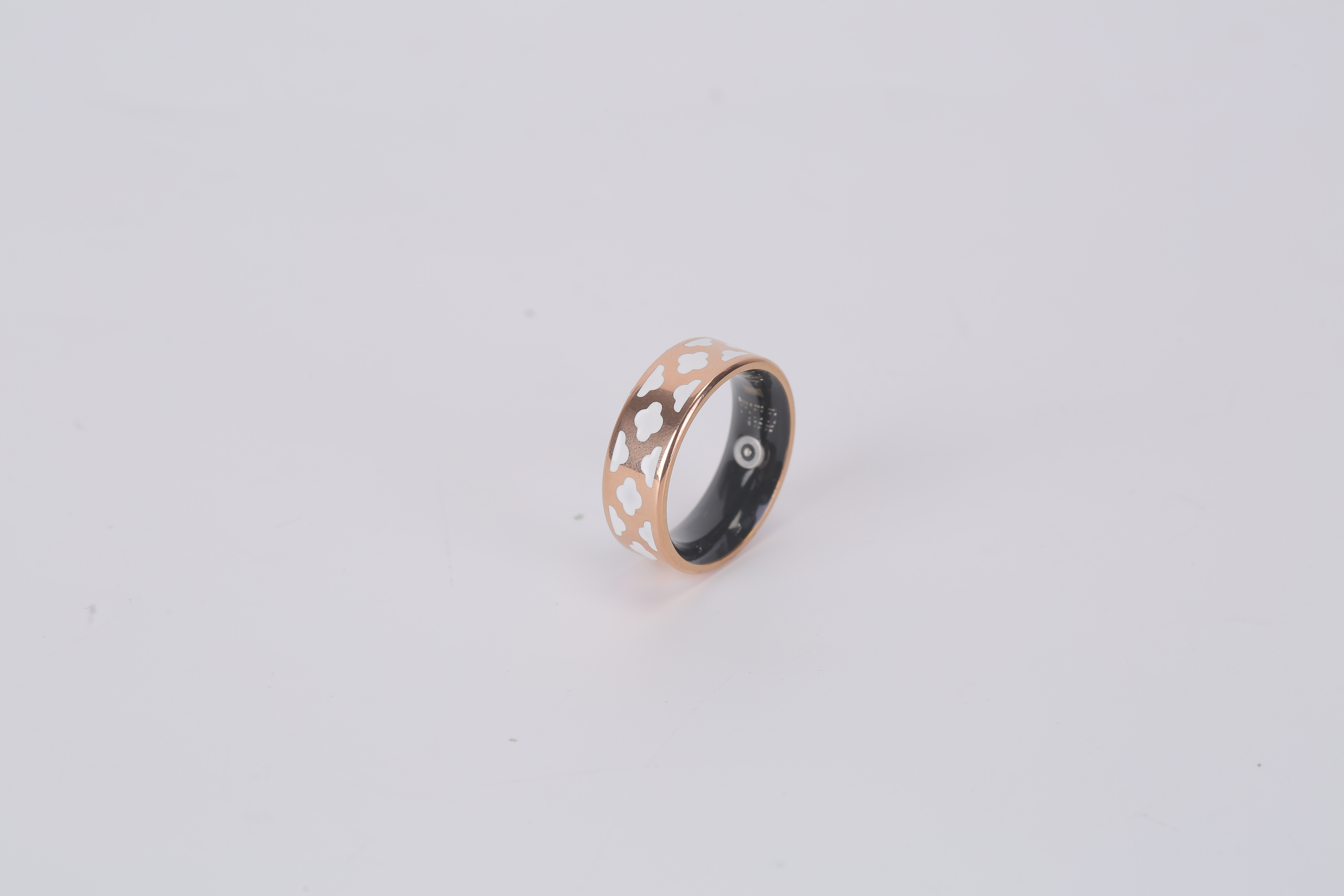
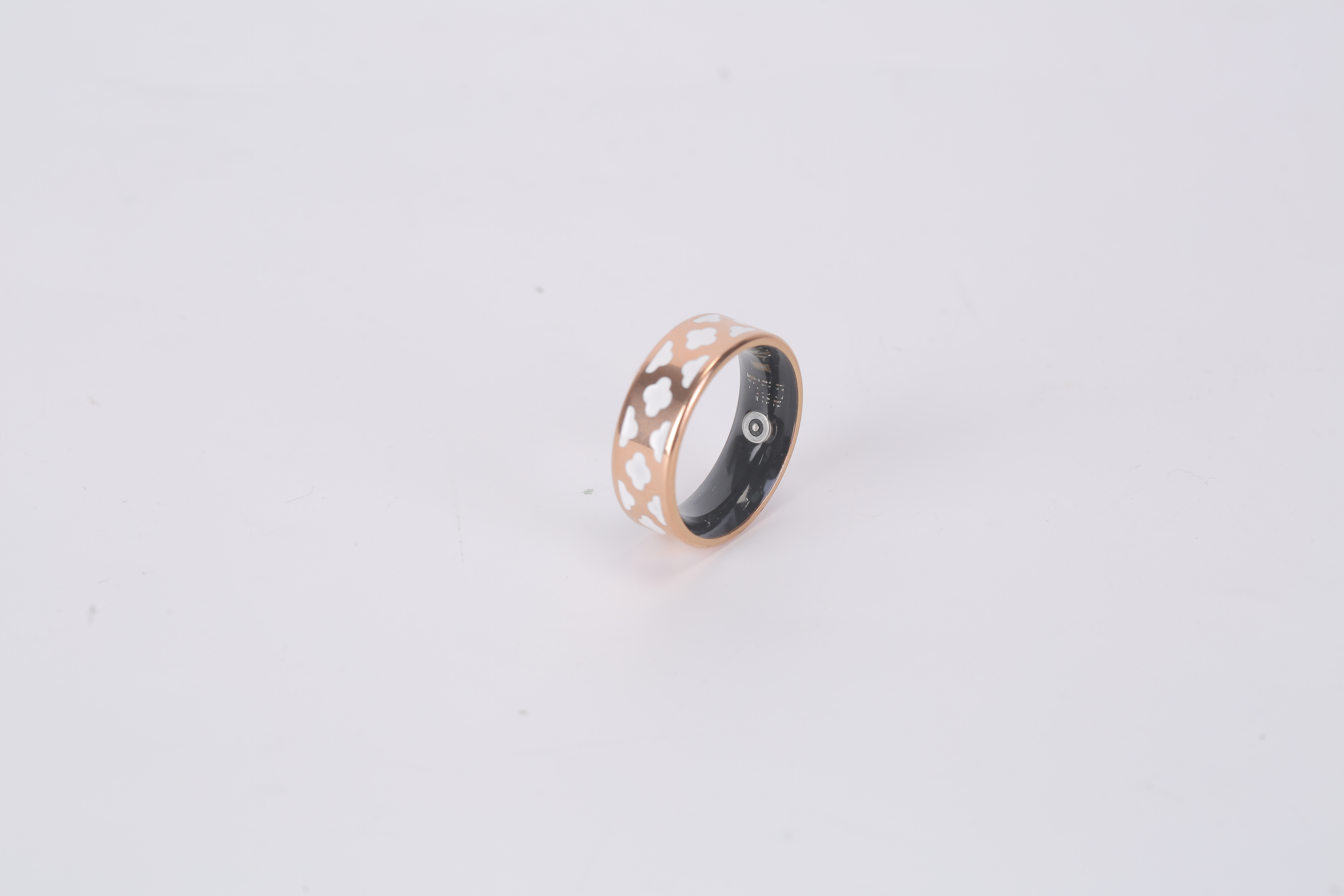
【LIGHTWEIGHT TITANIUM DESIGN & MULTIPLE SIZES】 Crafted from titanium steel with electroplated finish,this lightweight smart ring(3.9g for size 9) offers a sleek,comfortable fit for all-day wear. Available in sizes 7,8,9,and 10 to ensure the right fit for different users.

Ring Connection
1. Scan the QR code to download the app(or search “LuckRing” in the App Store or Google Play Store).
2. Place the ring on the powered charging cable to activate it automatically(the ring must be on the charger and in charging mode each time you pair it).
3. Open the LuckRing app,tap the “Add Ring” button on the Status or Smart page to enter the pairing interface,and search for the Wireless ring.
4. When your ring appears in the Wireless device list,tap it to begin pairing. If the ring is not detected,check that the charger is powered and the ring is in charging mode.
5. Wait a moment-the APP will automatically connect and pair with the ring. During pairing,the ring’s LED will flash red.
6. To unpair,go to the Device Settings page in the APP and tap “Unbind Ring.” If using an IOS phone,also manually remove or forget the ring from the paired Wireless devices list in your phone’s Wireless settings.
LED Status
1. Flashing green during heart rate/heart rate variability/stress level measurement.
2. Flashing red during blood oxygen measurement.
Actual Product Photo


Inventory Last Updated: Aug 25, 2026

